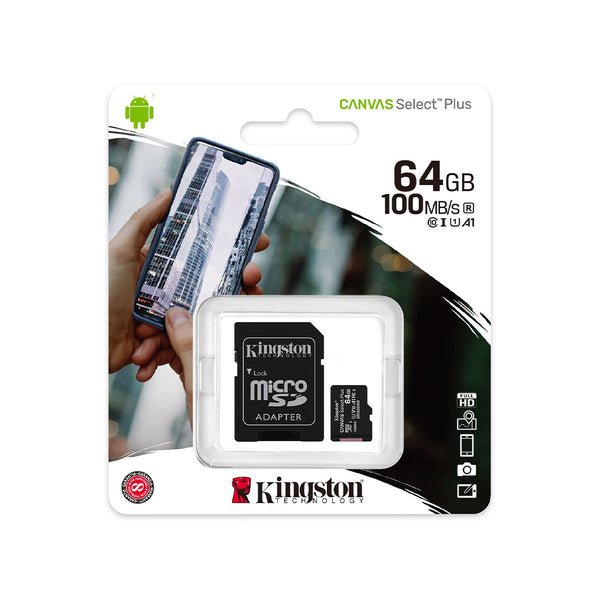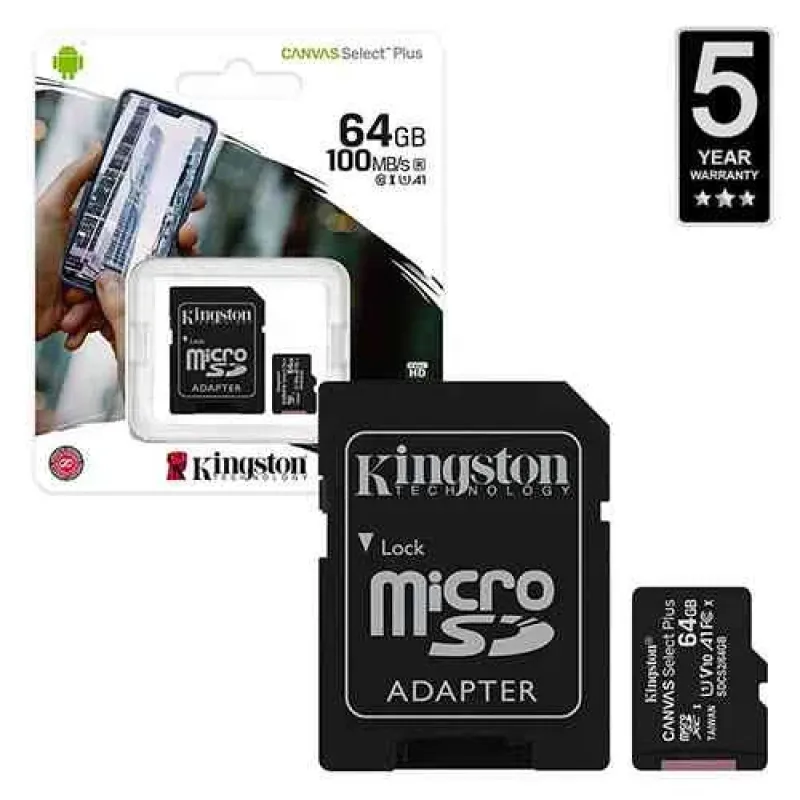
Kingston 64GB Micro SD Card High Speed 100MB/s for Camera Reccording - No DC
- Product Code: Kingston 64 GB
- EAN: 660934B
- Availability: 100
Kingston 64GB High-Speed Micro SD Card (Up to 100MB/s) for Camera Recording – No DC
Expand your digital storage capacity and capture smooth, uninterrupted high-definition video with the Kingston 64GB High-Speed Micro SD Card (Up to 100MB/s) for Camera Recording (No DC). Built by an industry benchmark in flash storage, this high-capacity microSDXC card is engineered for heavy duty-cycle loop recording, rapid data access, and secure local file archiving across modern smart cameras and digital devices.
Delivering swift read transfer speeds of up to 100MB/s, it allows rapid offloading of photos, high-bitrate Full HD footage, and 4K media files to your laptop or external drives. Operating entirely via host-device bus power (No DC adapter, external transformers, or charging cords required), it features industrial-grade multi-proof durability to safeguard your valuable data against extreme outdoor temperatures, water, shocks, and airport scanners.
Key Features & Specifications
-
Product Type: High-Speed microSDXC Flash Memory Card.
-
Brand & Expanded Capacity:
-
Brand: Genuine Kingston Technology.
-
Storage Capacity: 64 GB reliable solid-state flash memory.
-
-
Speed Class & High-Performance Ratings:
-
Read Speeds: Up to 100MB/s via UHS-I bus interface for fast media playback and rapid batch file transfers.
-
Speed Ratings: Class 10, UHS-I (U1 / V10) certified to ensure consistent, stutter-free continuous Full HD (1080p) video recording without dropped frames or write buffer stalls.
-
-
Zero External Power Required (No DC):
-
Draws power directly through the host device’s standard microSD card interface pinout.
-
Requires zero external DC cords, batteries, or supplementary wiring.
-
-
Industrial-Grade Multi-Proof Durability:
-
Waterproof: Tested to withstand water immersion (IEC/EN 60529 IPX7 rated).
-
Temperature-Proof: Built to perform reliably in extreme temperature swings ranging from -25°C to 85°C, making it ideal for hot vehicle windscreens, outdoor security cameras, and frosty winter mornings.
-
Shock & Vibration Proof: Resistant to everyday drops, knocks, and vehicle vibrations.
-
Airport X-Ray Proof: Protected against standard airport security X-ray scanners (ISO 7816-1 certified).
-
-
Universal Hardware Interoperability:
-
Fully compatible with all devices supporting the microSDXC standard.
-
Pairs seamlessly with standard full-size SD card adapters for use in DSLR, mirrorless, and commercial video cameras.
-
Broad Universal Applications & Target Uses
-
Vehicle Dash Cams: Ideal high-capacity storage for cyclic front and rear dashcam recording, ensuring crucial road incidents and license plates are captured clearly.
-
Outdoor Solar & Security Cameras: Perfect local edge storage for smart wireless CCTV cameras, battery cameras, and video doorbells without paying monthly cloud subscription fees.
-
Action Cameras & Aerial Drones: Capture continuous sports action, outdoor adventures, and drone video smoothly without write-speed throttling.
-
Smartphones & Android Tablets: Expand storage for thousands of high-resolution photos, lossless music collections, offline maps, and mobile applications.
-
Handheld Gaming & Media Players: Store expandable game libraries, emulators, and digital audio tracks on compatible portable consoles.
Quick 4-Step Setup & Operation Guide
-
Power Down Device: Turn off your dash cam, security camera, or mobile device before inserting the memory card to prevent file system corruption.
-
Insert Card: Align the gold contact pins facing downward (or per device slot markings) and press gently until the card clicks into place.
-
Format in Device: Power on the camera or smartphone, navigate to the storage or settings menu, and format the card to initialize the proper exFAT file system.
-
Record & Transfer: Begin recording; to transfer files to a computer, safely unmount or eject the card and connect via a standard USB microSD card reader.